1st class
During our first year, we learned how to use Adobe Illustrator, a vector graphics program commonly used for creating logos and illustrations. Below, you can see some of the designs I created.
illustrator
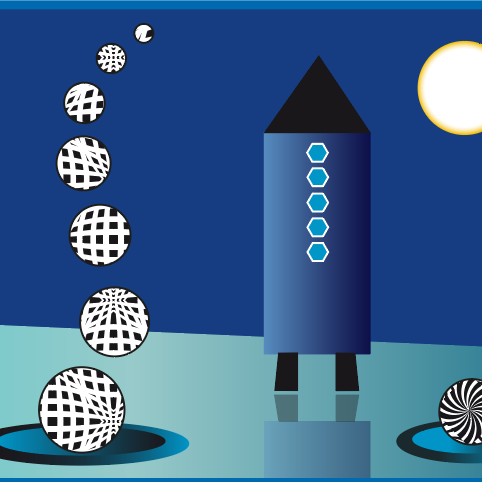
Built with simple shapes (circles, rectangles), combined using Pathfinder tools.
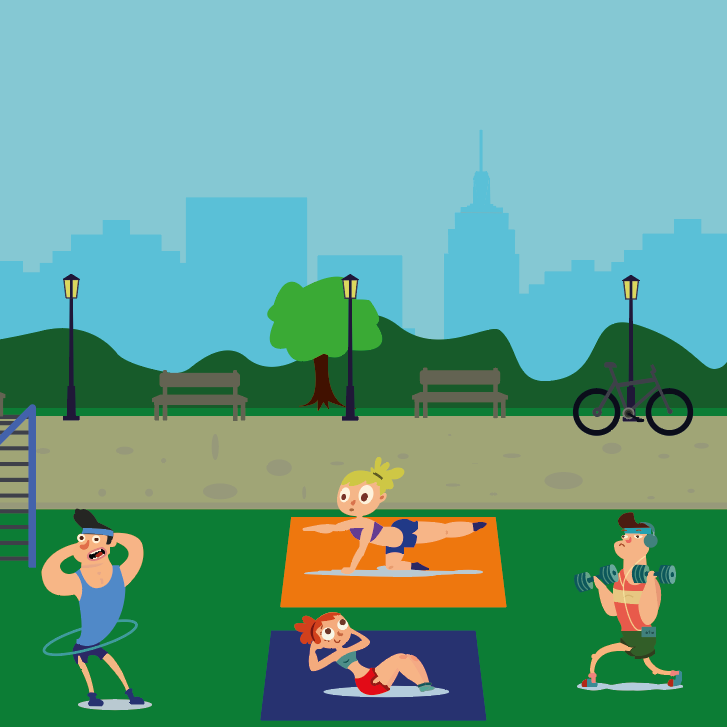
Characters drawn with the Pen Tool, flat colors and layers used for background depth.
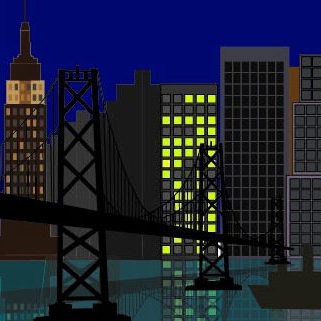
Used rectangles, gradients for windows, and reflections for water effect.
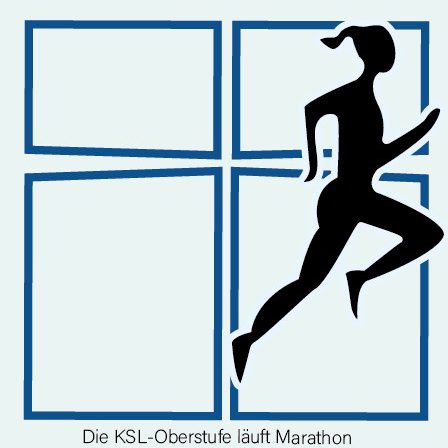
Created a poster for the school sports day, designed with the Pen Tool, showing a runner silhouette.
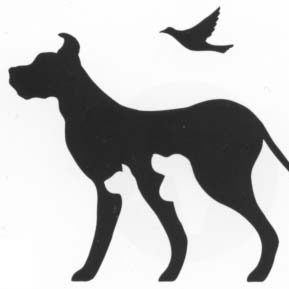
Created manually using the Pen Tool to trace the shape precisely, forming clean vector paths with solid black fill.
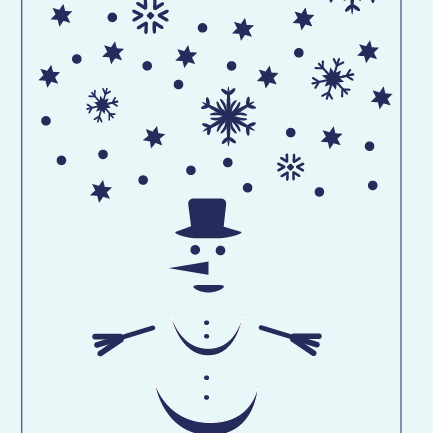
Created using circles, symmetrical designs, for chrismas cards.
2nd class
In second grade, we worked with Adobe Photoshop, an image editing program used for photo retouching, digital painting, and creating visual compositions. Here are some examples of the projects I created:
Photoshop
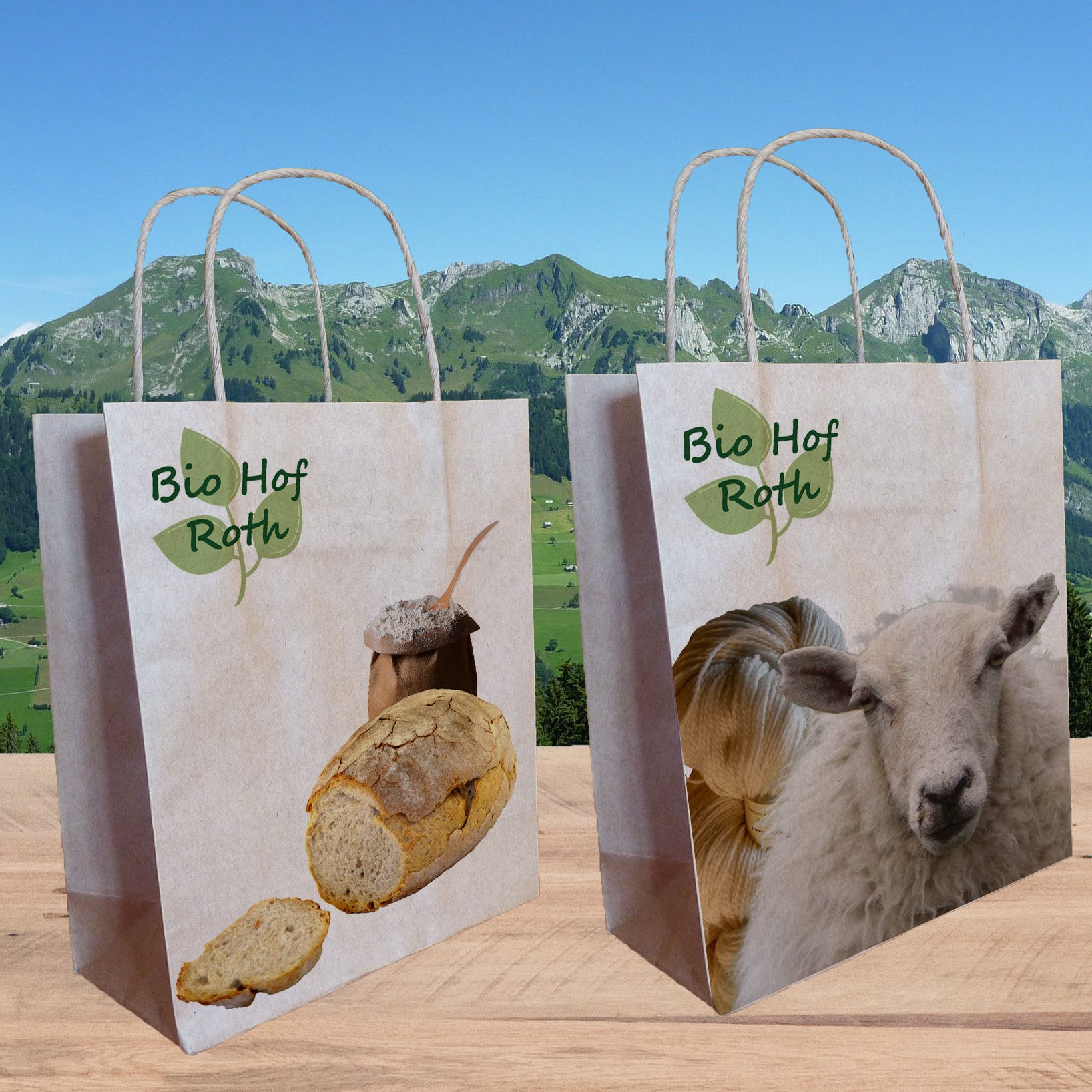
Product mockup with placed images and smart objects.
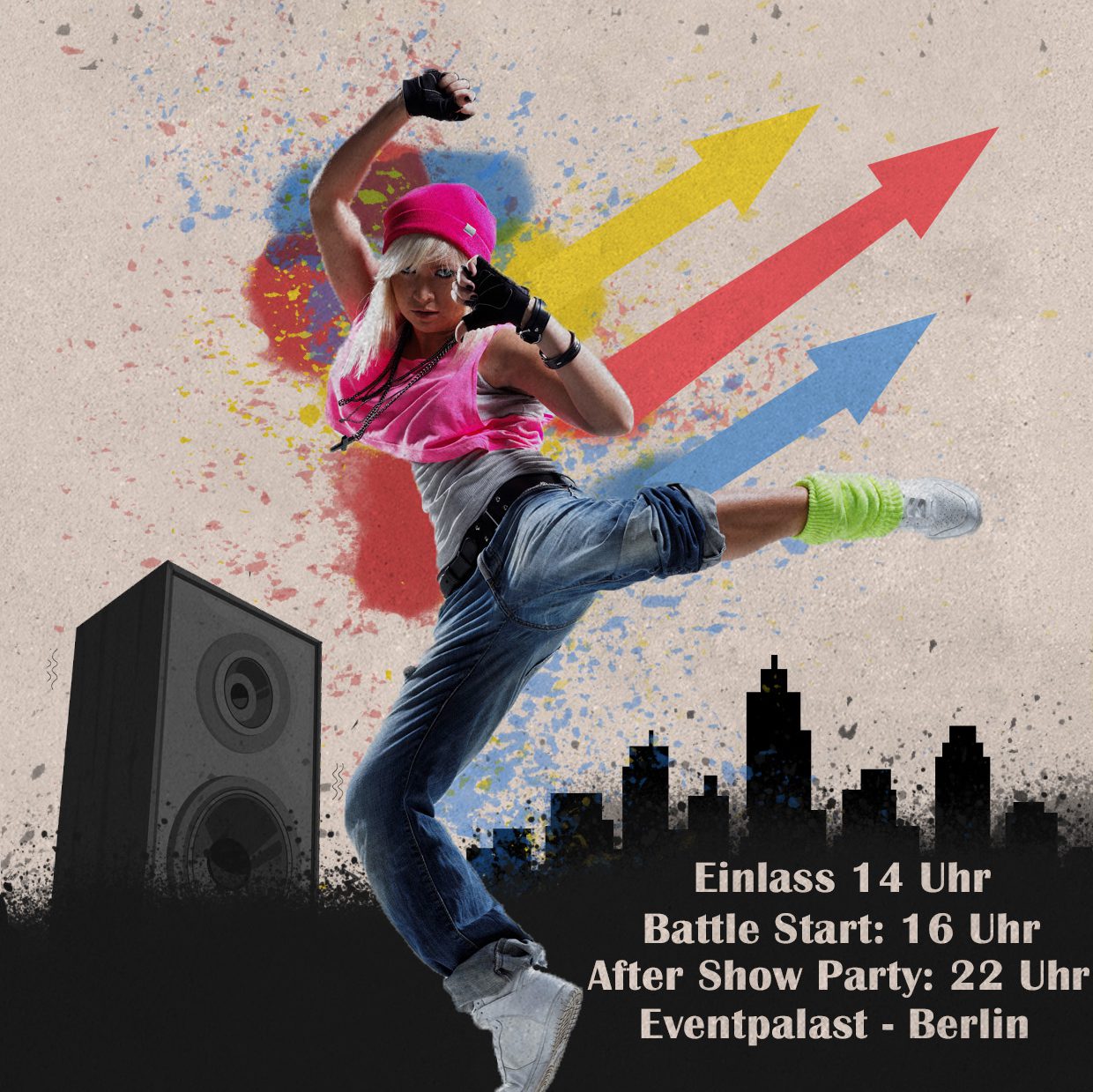
Designed in urban style with bold typography and dynamic composition,
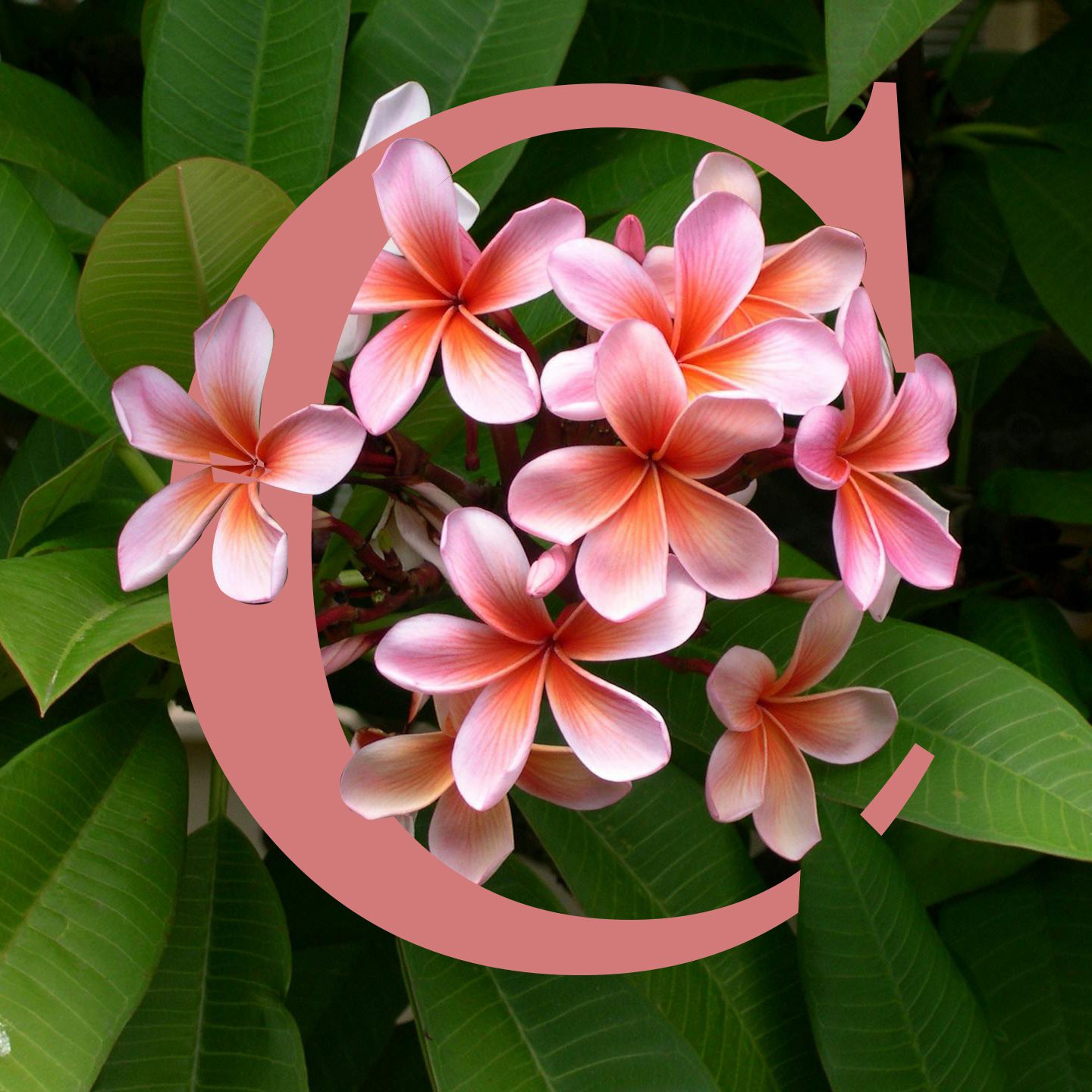
Background with flowers overlapping the letter “C”, created using layer masks and blending.
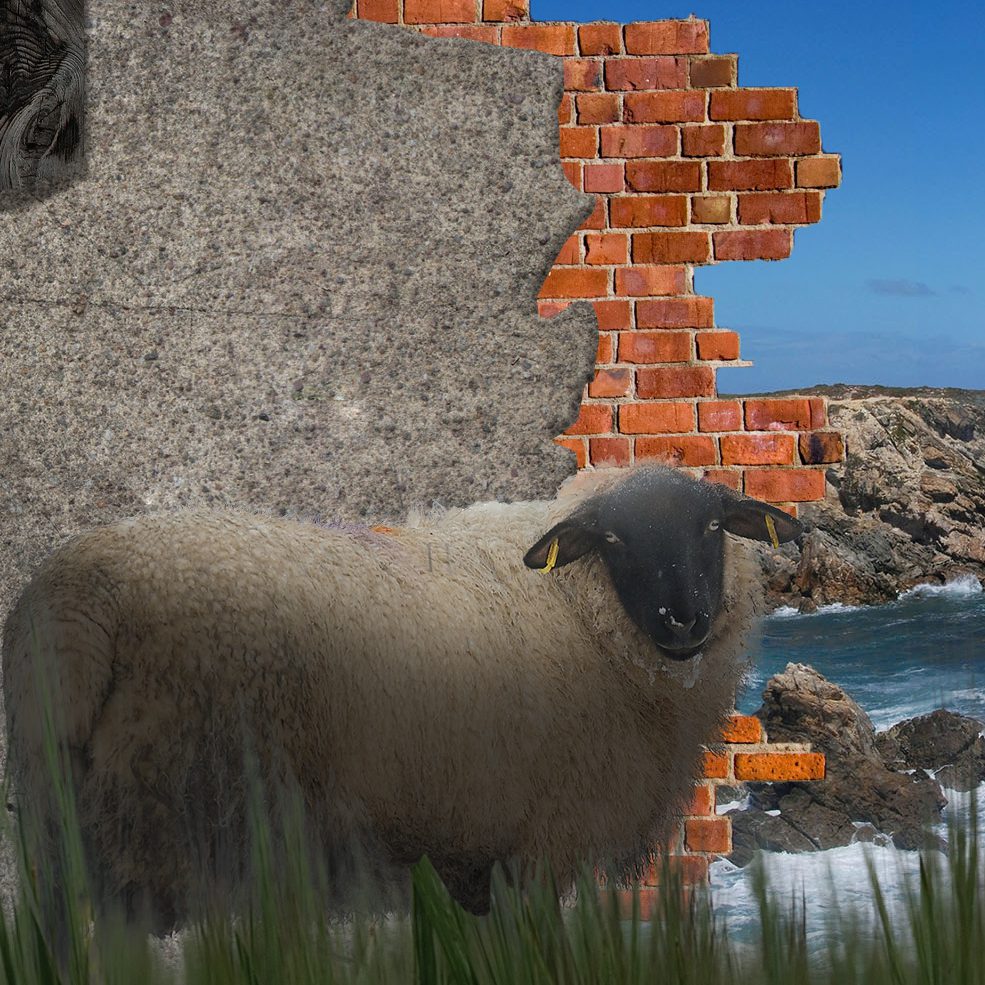
Multiple textures combined on different layers and shadow effects.
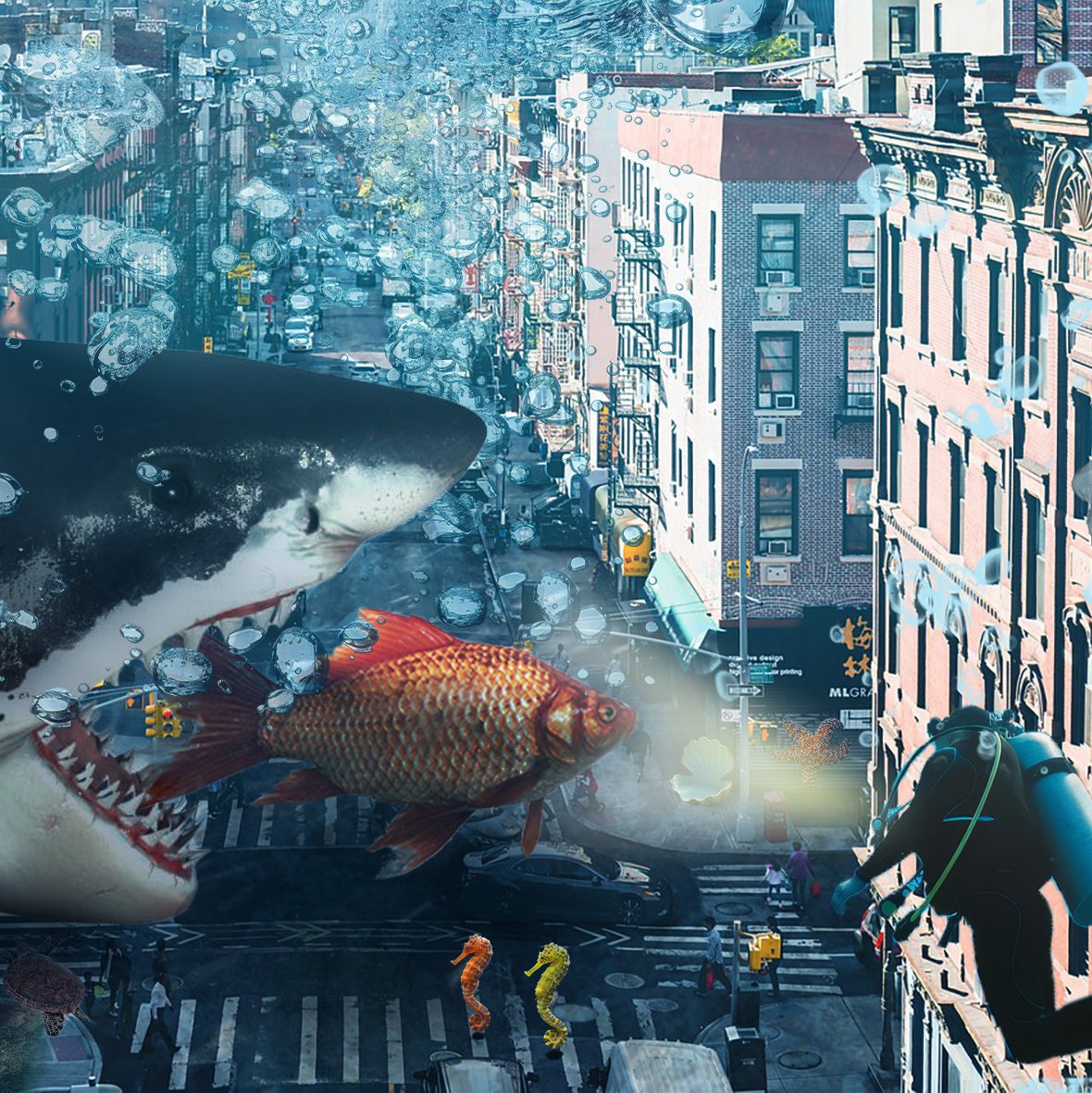
Different people worked on sections of this project, applying various filters, objects and adjustment layers.
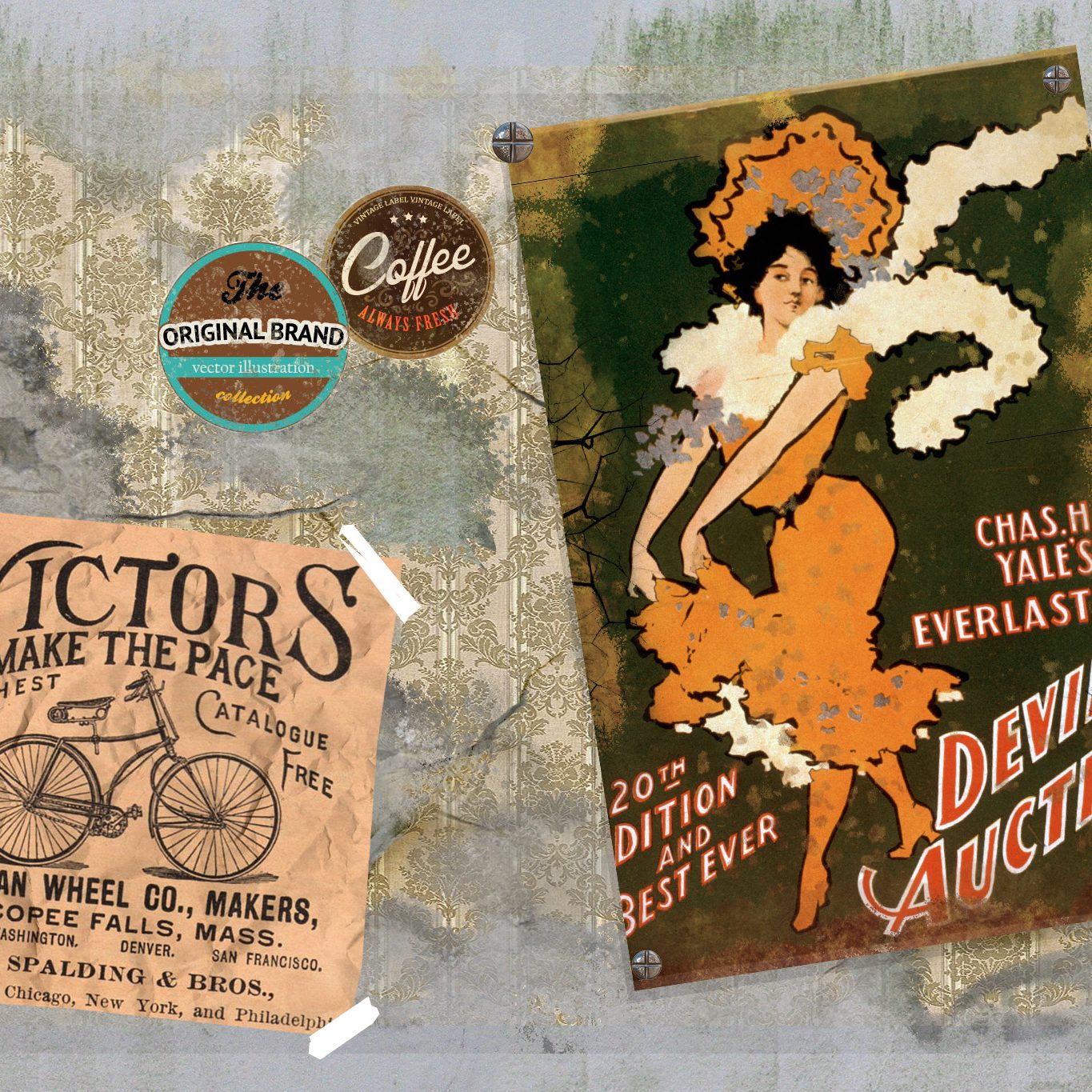
Cut out posters and stickers arranged with drop shadows and overlay effects.